
Sharing via Link
Every employee has a public URL based on their badge ID:Sharing via QR Code
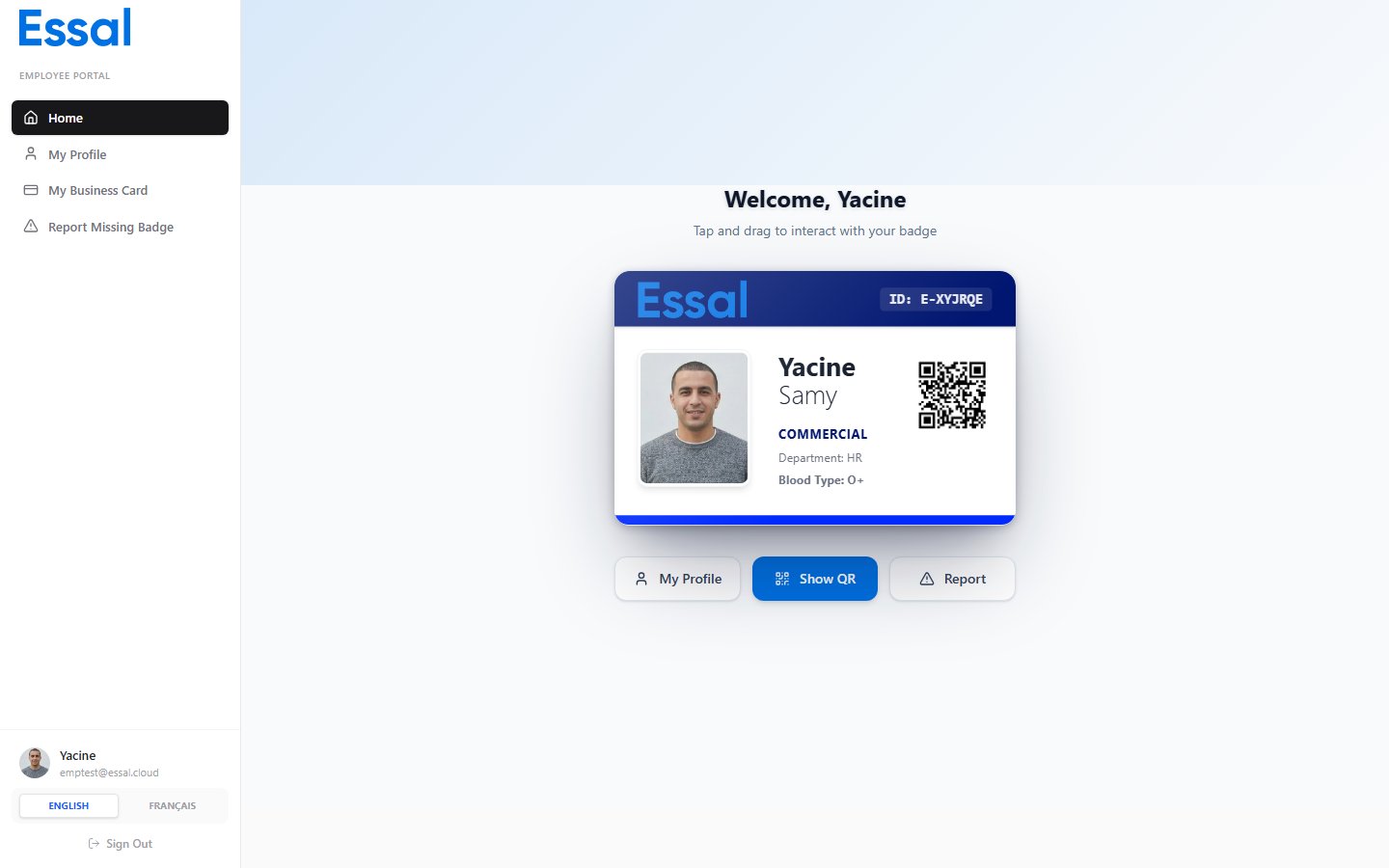
Your badge’s QR code links directly to your business card (or full public profile, depending on your organization’s settings). To show your QR code:- Log in to the Employee Portal.
- Go to Home.
- Click Show QR Code.
- A full-screen QR code appears — let the other person scan it with their phone.
Saving a Contact (vCard)
The Save Contact button on the business card generates a vCard (.vcf) file and downloads it to the visitor’s device. The vCard includes:
- Full name and job title
- Organization / department
- Phone number and email address
- Address (if location is shown)
- Website and custom links
- Social media profile links
.vcf files directly into their contacts app.
What the Recipient Sees
The recipient opens a mobile-friendly page showing:- Your cover with company branding
- Your photo, name, role, and department
- Social media icon links
- Save Contact and quick-action buttons (Email, Call)
- Website and custom links
- Bio and contact details