
Audit Logs (Public Badge Scans)
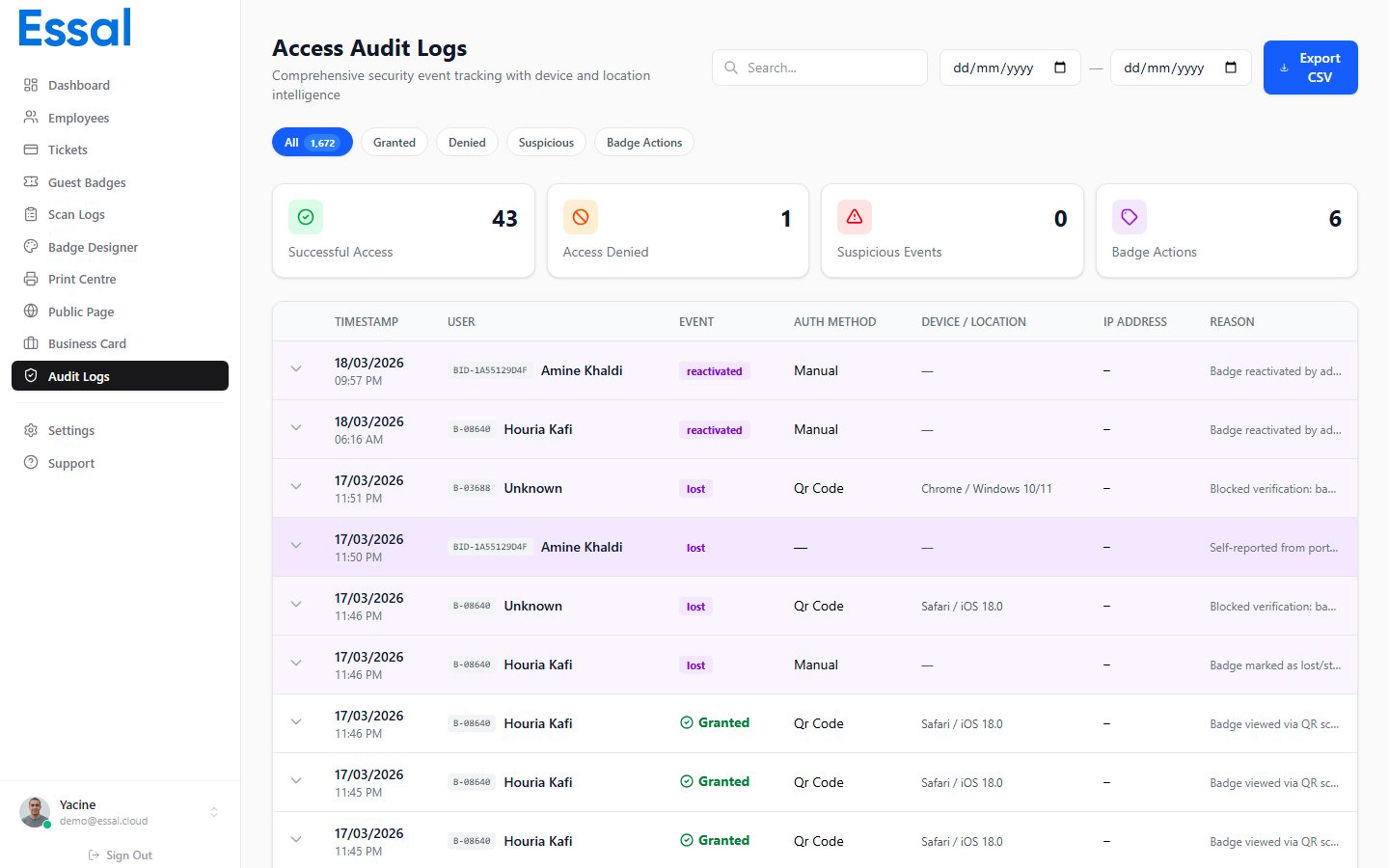
/audit-logs)
Audit logs record every interaction with a public badge profile — whether the scan succeeded, was blocked, or triggered a security alert.
What Is Recorded
Each audit log entry captures:Status Values
IP Address Resolution
The IP address is resolved asynchronously in the background after the scan event is created. There is a brief window where the IP may show as empty while the lookup completes.Scan Logs (Check-In Device Scans)
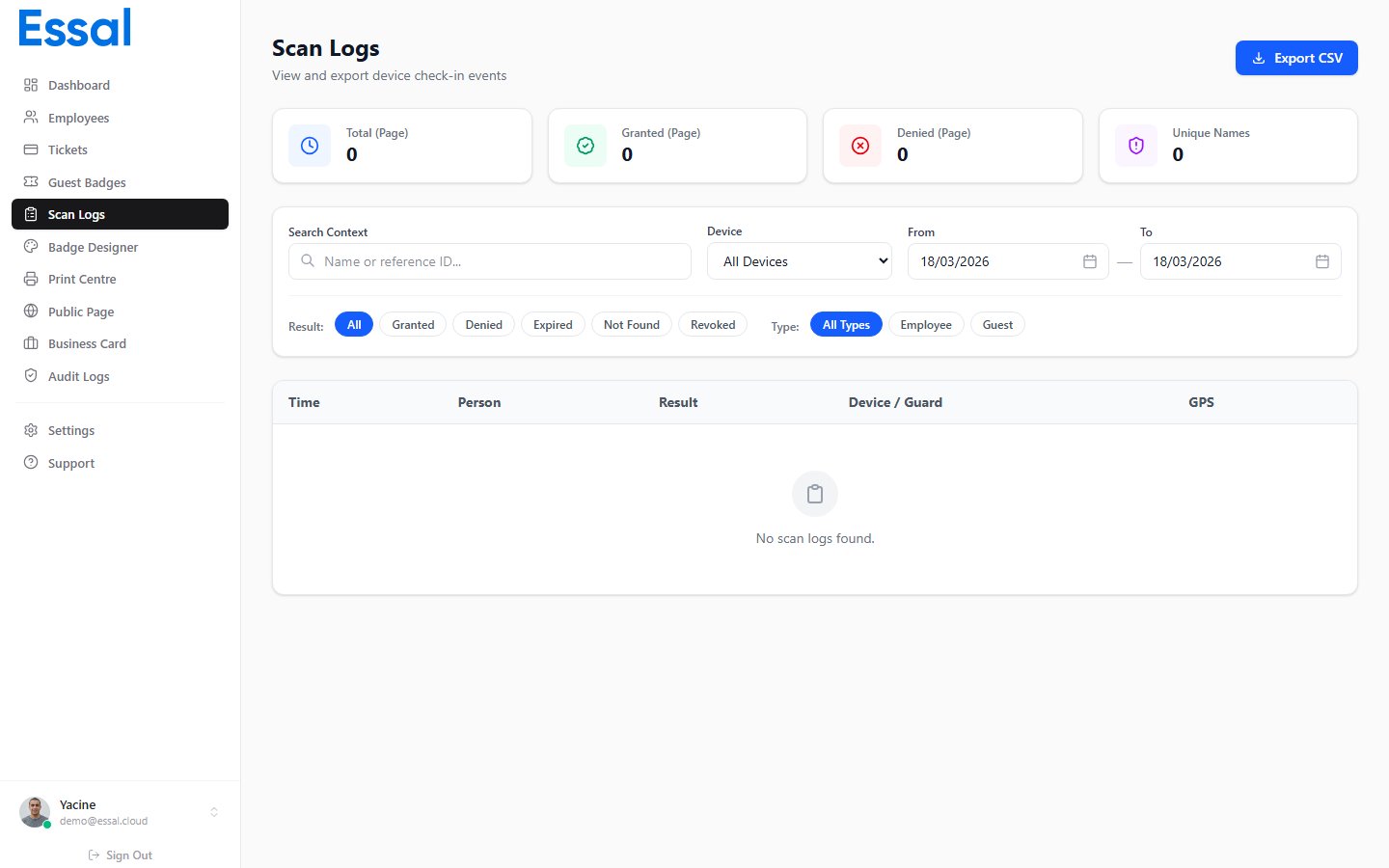
/scan-logs)
Scan logs record every scan performed by a registered check-in device — such as a tablet running the Essal Check-In App.
What Is Recorded
Each scan log entry captures:- Employee name and badge ID
- Scan result (Access Granted / Denied)
- The check-in device that performed the scan
- Location of the device
- Timestamp
Difference from Audit Logs
Use both logs together for a complete picture of badge activity across your organization.