
Ctrl+4).
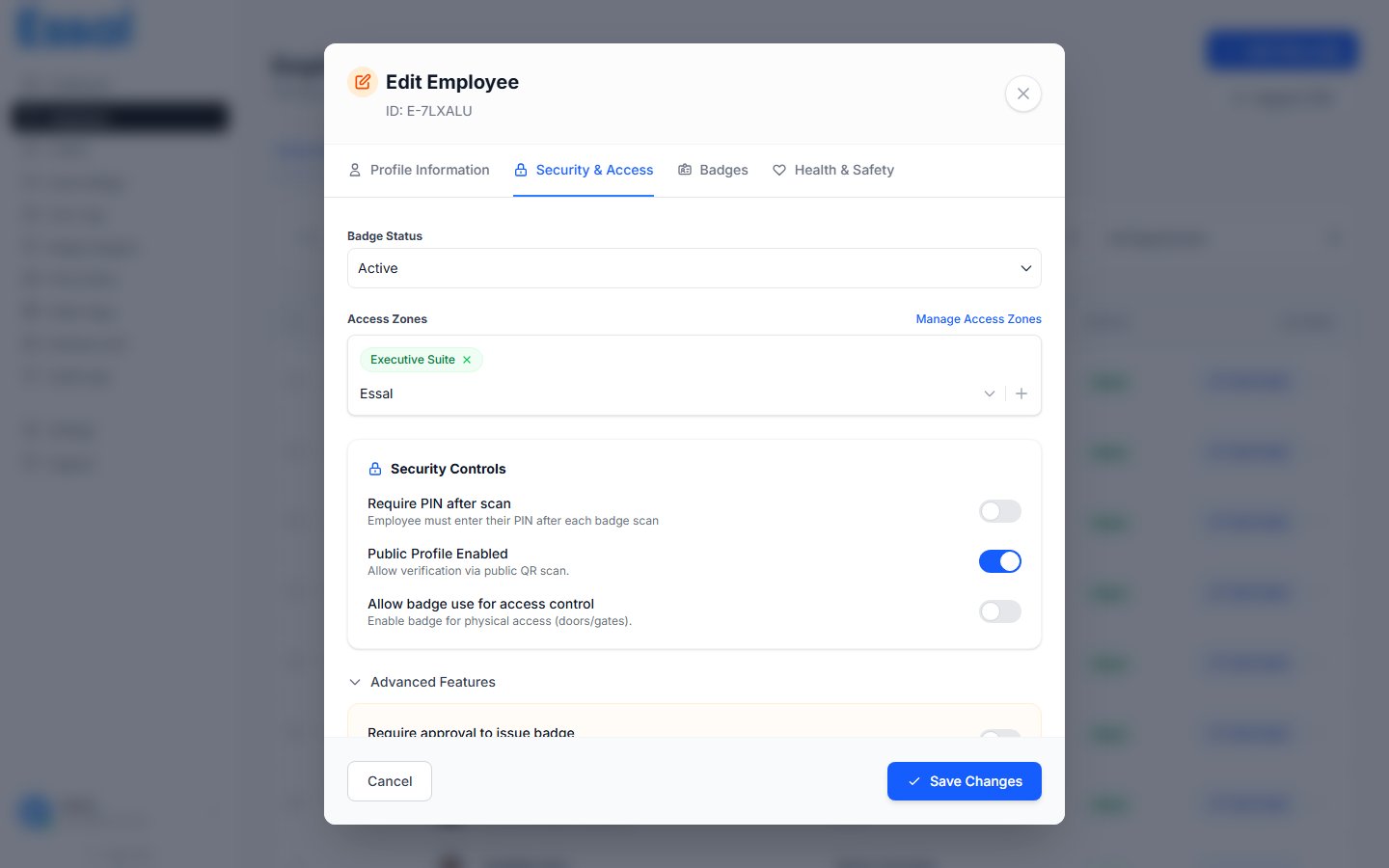
What Is Stored
Health & Safety data is divided into six sections:Emergency Contact
This information is shown to authorized admin users and can appear on the public profile if the Public Page Editor has that section enabled.
Allergies
A list of allergens that apply to this employee (e.g. Penicillin, Peanuts, Latex). To add an allergy:- Type the allergen name in the input field
- Press Enter or click Add
Medical Conditions
A list of relevant medical conditions (e.g. Type 2 Diabetes, Asthma, Epilepsy). Same add/remove interaction as allergies.Disabilities / Additional Notes
A free-text field for recording disabilities, mobility considerations, or any additional safety-relevant notes. This is unstructured and can be as detailed as needed.PPE Requirements
A list of personal protective equipment that this employee must wear in their work area (e.g. Hard Hat, Safety Vest, Steel-Toe Boots, Gloves). Same add/remove interaction as allergies. This field is typically managed by admins and supervisors, not the employee themselves.Safety Certifications
A structured list of professional certifications relevant to safety (e.g. First Aid, Forklift Operator License, HAZMAT Handling). Each certification record contains:
Adding a certification:
- Click Add Certification to reveal the form
- Fill in the Name (required) and any other fields
- Click Add Certification to save it to the list
- Expiring Soon (amber) — expiry is within 30 days
- Expired (red) — expiry date has passed
Who Can View Health & Safety Data
Health & Safety data is visible to:- Admins — full access to view and edit all fields
- Managers — full access to view and edit all fields
- Security users — can view the employee record but Health & Safety data visibility depends on your Public Page Editor configuration
Employee Self-Edit
Employees can update some of their own health and safety information through the Employee Portal if your organization has configured this:- Emergency Contact — employees can update their own emergency contact
- Allergies — employees can add/remove their own allergies
- Medical Conditions — employees can add/remove their own medical conditions
- Disabilities / Notes — employees can update their own notes
Health & Safety Data on Public Profiles
Some health & safety data can be displayed on the employee’s public QR code profile page. This is configured in the Public Page Editor:- Emergency contact — can be shown (useful for on-site first responders)
- Allergies — can be shown
- Medical conditions — can be shown