
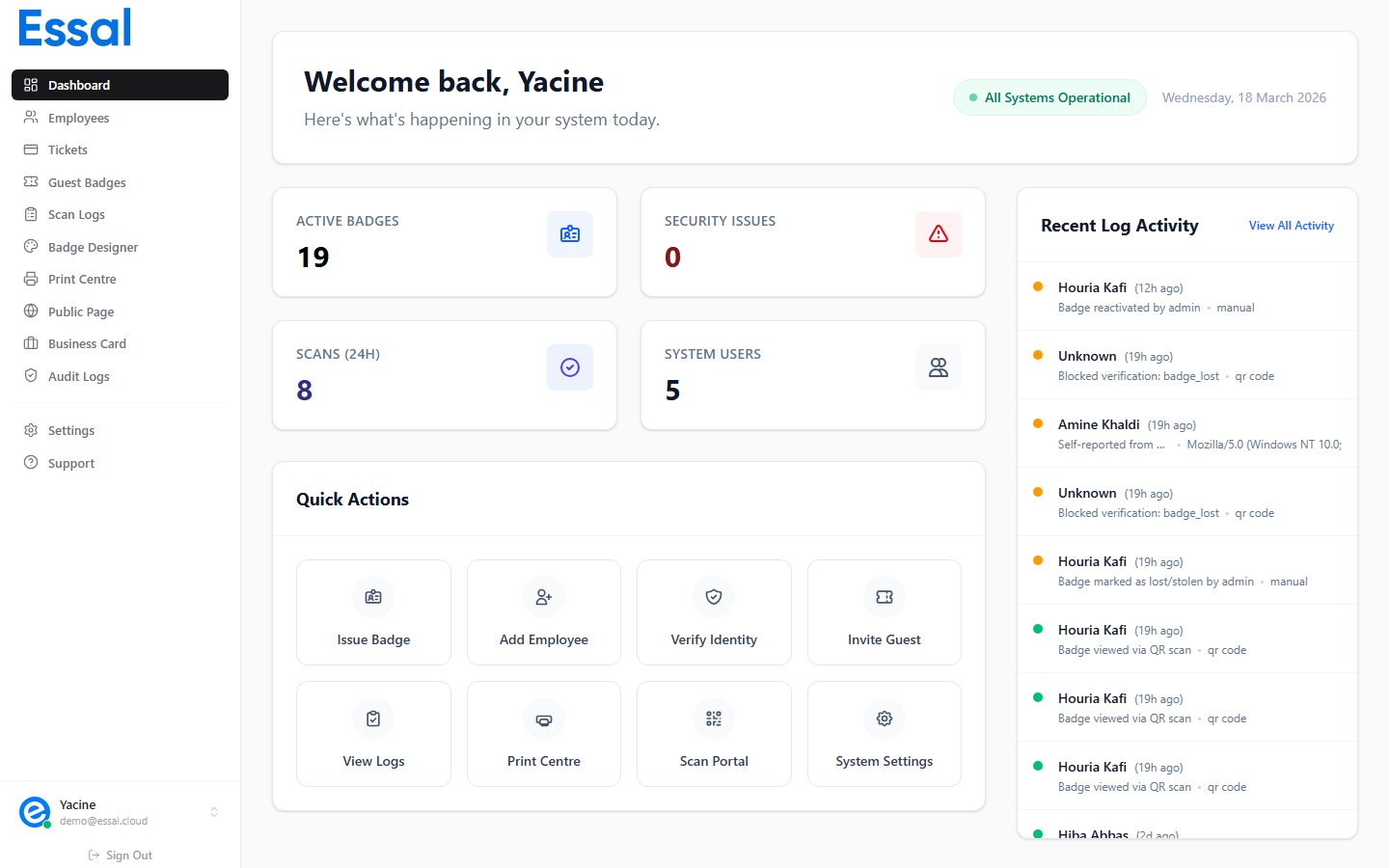
What the Check-In App Does
- Scans QR codes printed on employee badges or displayed on a guest’s phone
- Verifies identity and access rights in real time, including access schedules and zones
- Works offline — data is cached locally so scans work even when internet connectivity drops
- Logs every scan event with a timestamp, result, and operator name
- Supports multiple scan modes — camera QR scan, photo capture, or AI face recognition
How It’s Installed
The check-in app is a separate web application (PWA) hosted athttps://scan.idpage.link. It is not part of the main Essal Access admin panel.
To install it on a device:
- Open
https://scan.idpage.linkin the browser on the device - Follow the browser prompt to Add to Home Screen (or install as a PWA)
- Enter the registration code provided by your administrator