
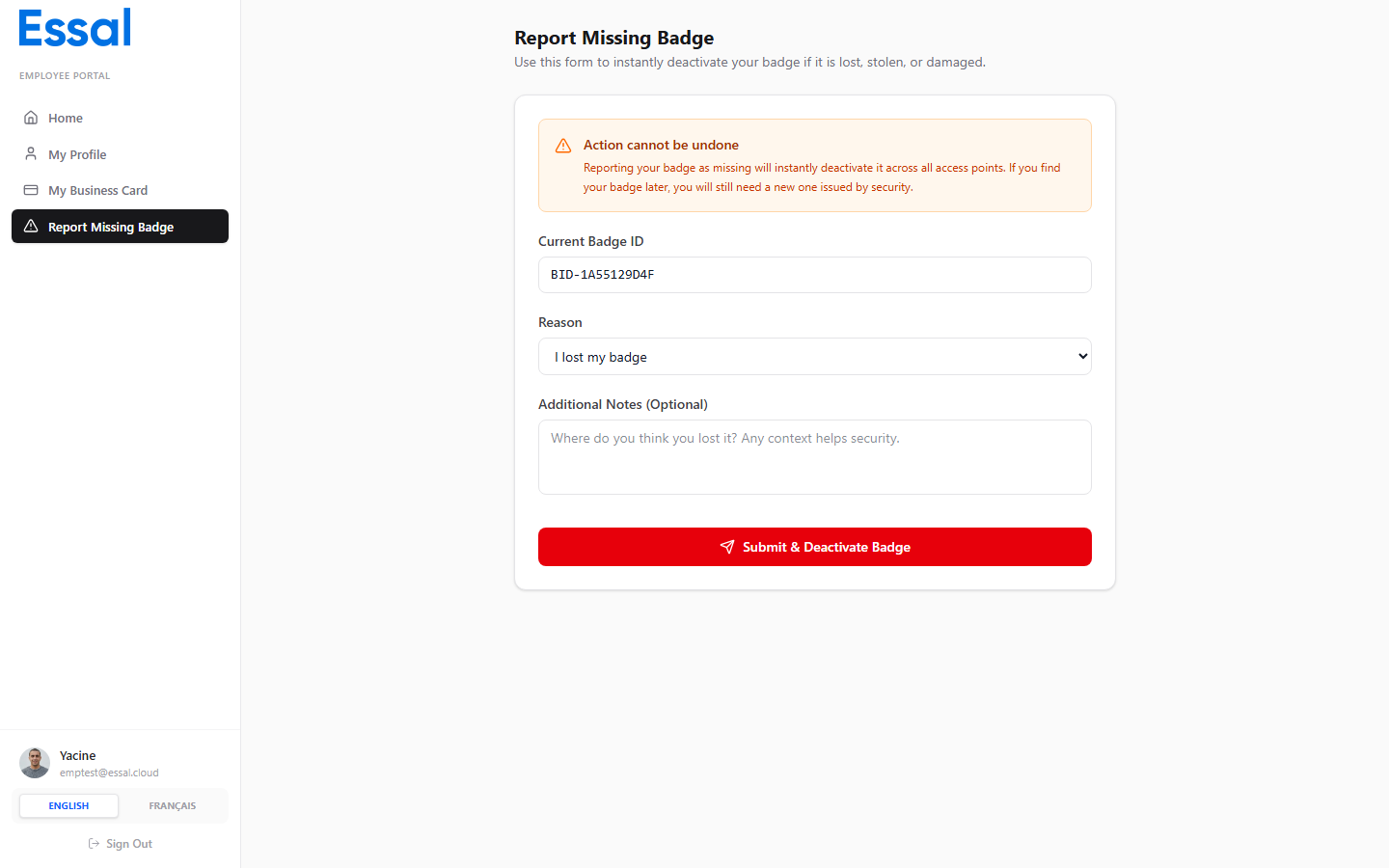
How to Submit a Report
- Click Report Missing Badge in the sidebar.
- Your current Badge ID is shown at the top (read-only).
- Select the reason from the dropdown:
- Lost — you cannot locate your badge
- Stolen — your badge was taken without your consent
- Damaged — your badge is physically damaged and unusable
- Optionally, add any relevant notes in the Notes field.
- Click Submit.
What Happens After You Submit
- Your badge status is set to Lost and can no longer be used for check-in.
- Your employee status is updated to reflect the missing badge.
- The event is recorded in the audit log with a timestamp.
- Your administrator is able to see the report and issue a replacement badge.