
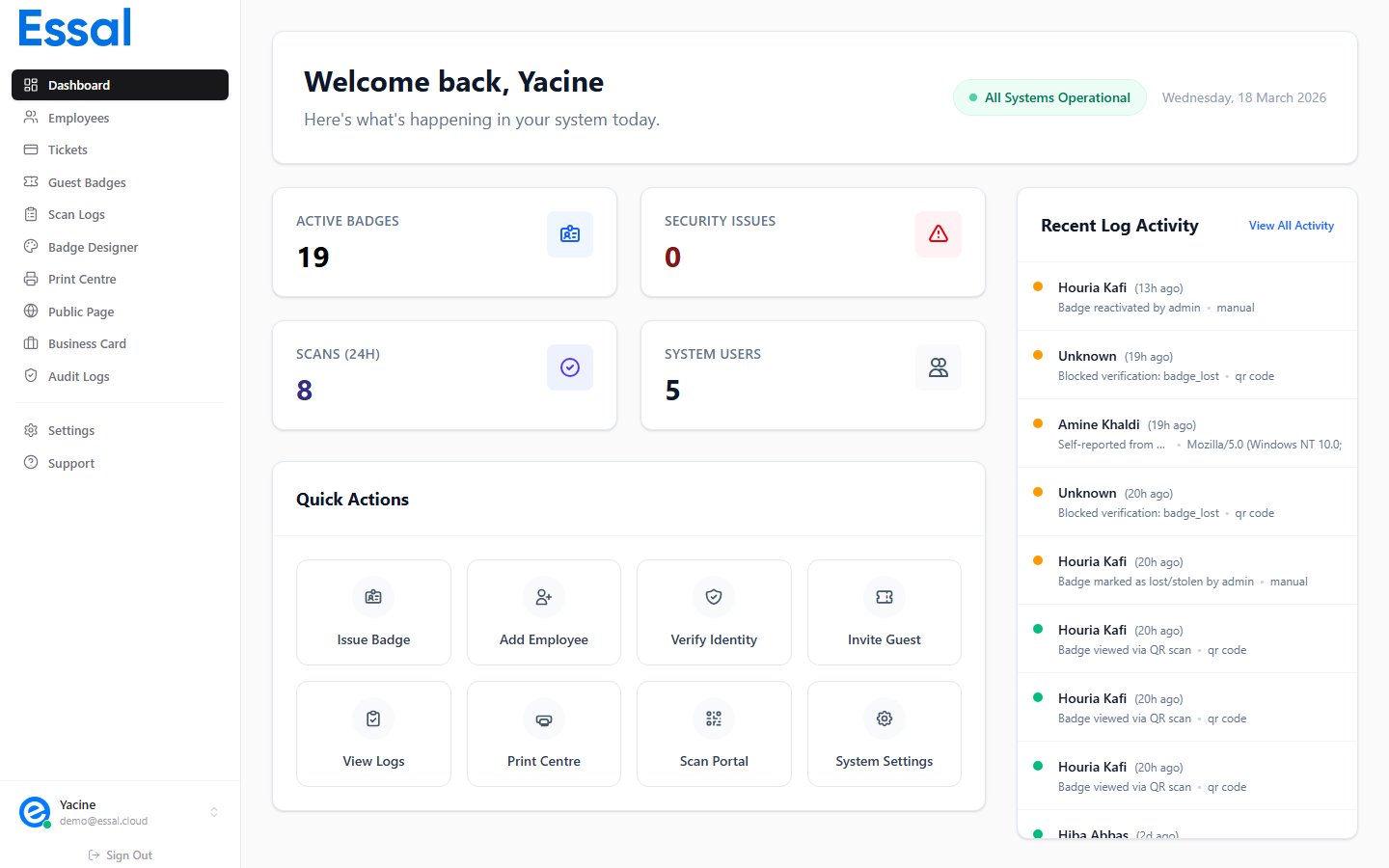
What can Essal Access do?
At its core, Essal Access connects four things:Key concepts
Tenants
Your organization is a tenant — an isolated environment with its own employees, badge design, settings, and data. All data is scoped to your tenant and never shared with others.Employees
An employee record is the identity at the center of Essal Access. Each employee has a profile (name, photo, role, department, contact info), a unique Employee ID, and a generated Badge ID. From their employee record you can manage their access permissions, assign tickets, and configure their public profile.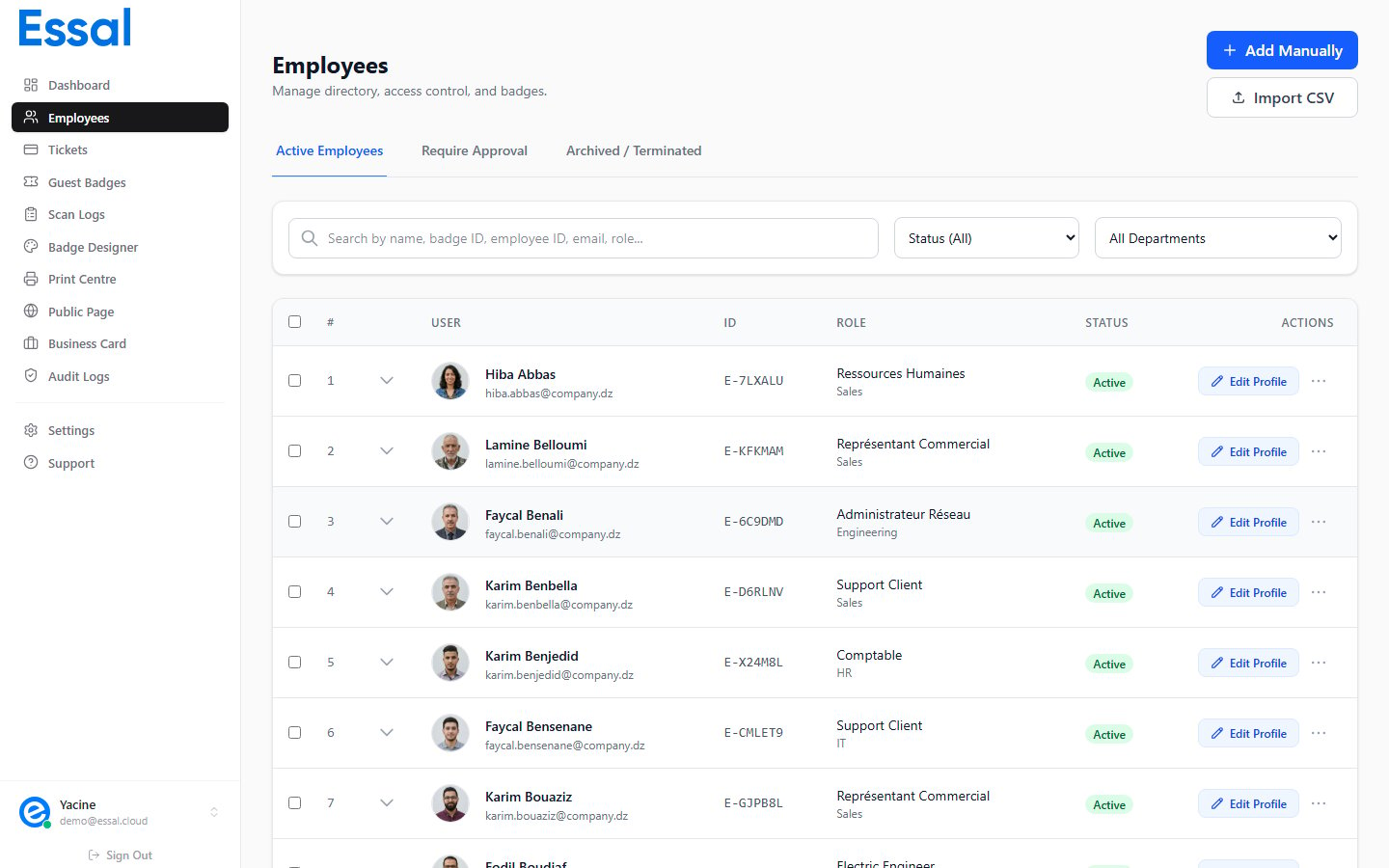
Badges
A badge is the visual representation of an employee’s identity. Your organization has one shared badge template (designed in the Badge Designer), which is automatically applied to every employee’s record using their personal data and photo. Badges can be:- Printed as physical ID cards (CR80 card size or custom)
- Displayed digitally in the Employee Portal on any device
- Scanned via QR code at check-in points or by any smartphone
Check-in devices
A check-in device is any tablet, kiosk, or computer running the Essal Access check-in app (a Progressive Web App). Devices are registered to your tenant using a 6-character pairing code. Once registered, they can:- Scan employee QR codes and return an instant Granted / Denied result
- Perform face recognition scans
- Accept manual entry of an employee ID
- Work offline when internet connectivity is lost, queuing scans until reconnected
System users
System users are the admin accounts that can log into the admin panel. There are four roles — Admin, Manager, Security, and Employee — each with different levels of access. A system user can be linked to an employee record, making them both a portal user and an admin user.Employee portal
The Employee Portal is a separate, employee-facing interface where staff can:- View and display their own badge and QR code
- Update their profile photo and contact details (if permitted by their admin)
- Download their digital business card
- Report a lost or stolen badge
How it all fits together
A typical Essal Access workflow looks like this:- Admin designs the badge template in the Badge Designer
- Admin adds employees — manually or via CSV import
- Badges are automatically generated for each employee
- Physical badges are printed or employees use digital badges in the Employee Portal
- Check-in devices are registered at entry points using a pairing code
- Employee arrives → scans QR code at device → Granted or Denied in real time
- All scans are logged → Admin reviews the audit trail in the dashboard
What Essal Access is not
- Not a time-tracking system — Essal Access logs badge scans but does not calculate attendance hours or integrate with payroll
- Not an HR system — employee records store contact and access data, not contracts, performance reviews, or leave
- Not a physical lock controller — Essal Access manages the digital identity and verification layer; physical door hardware integration is handled separately