
Who Can Access the Portal
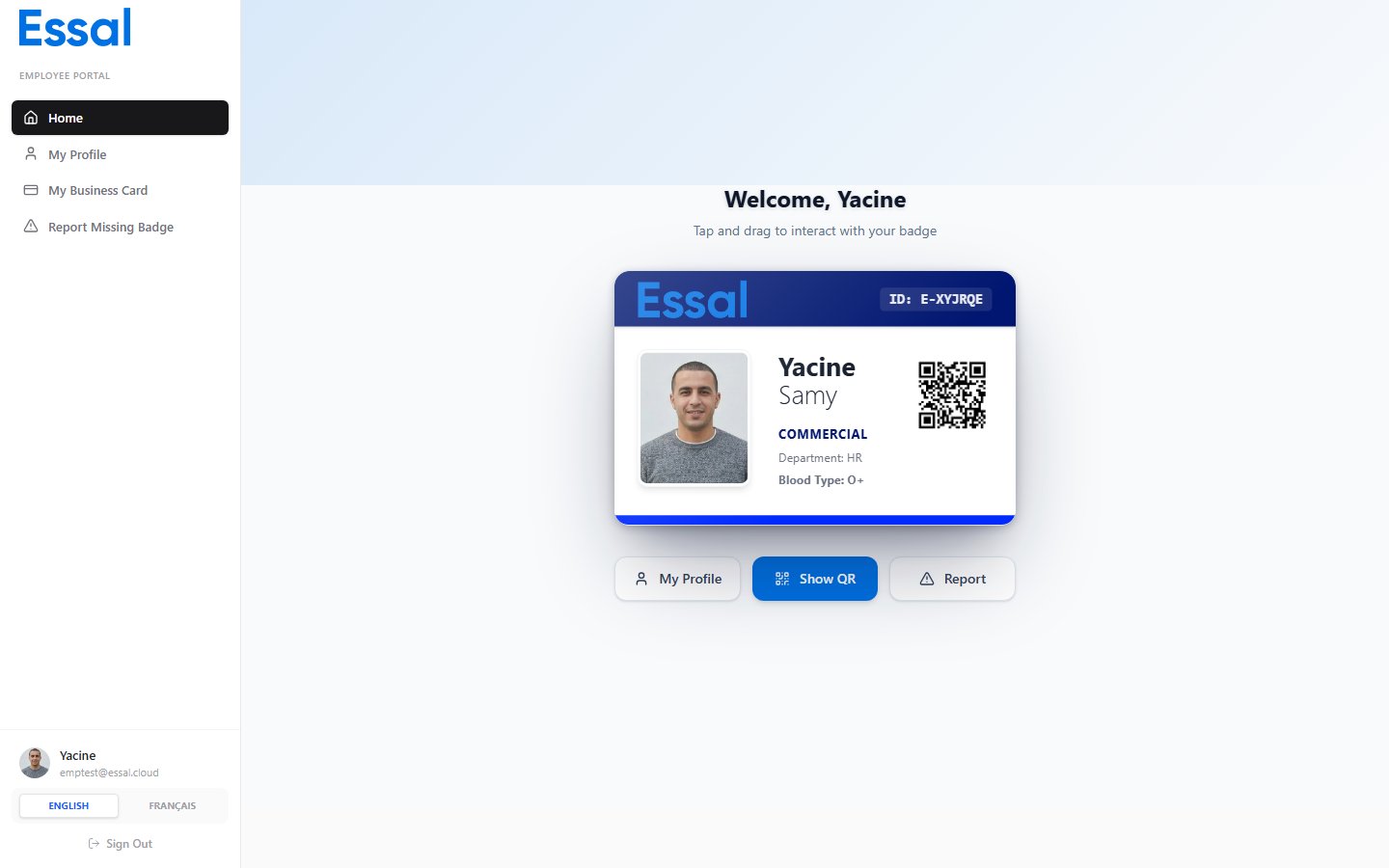
Any system user with the Employee role can access the portal. When an employee logs in, they are automatically directed to the portal rather than the admin dashboard. Administrators and other roles do not see the portal.How to Log In
- Open the application URL in a browser.
- Enter your work email address and click Continue.
- Enter your password and click Sign in.
Portal Layout
The portal has a sidebar on the left with four navigation links:
At the bottom of the sidebar you will find your name and email address. Clicking that area opens your Account Settings, where you can update your display name, profile photo, language preference, email address, and password.