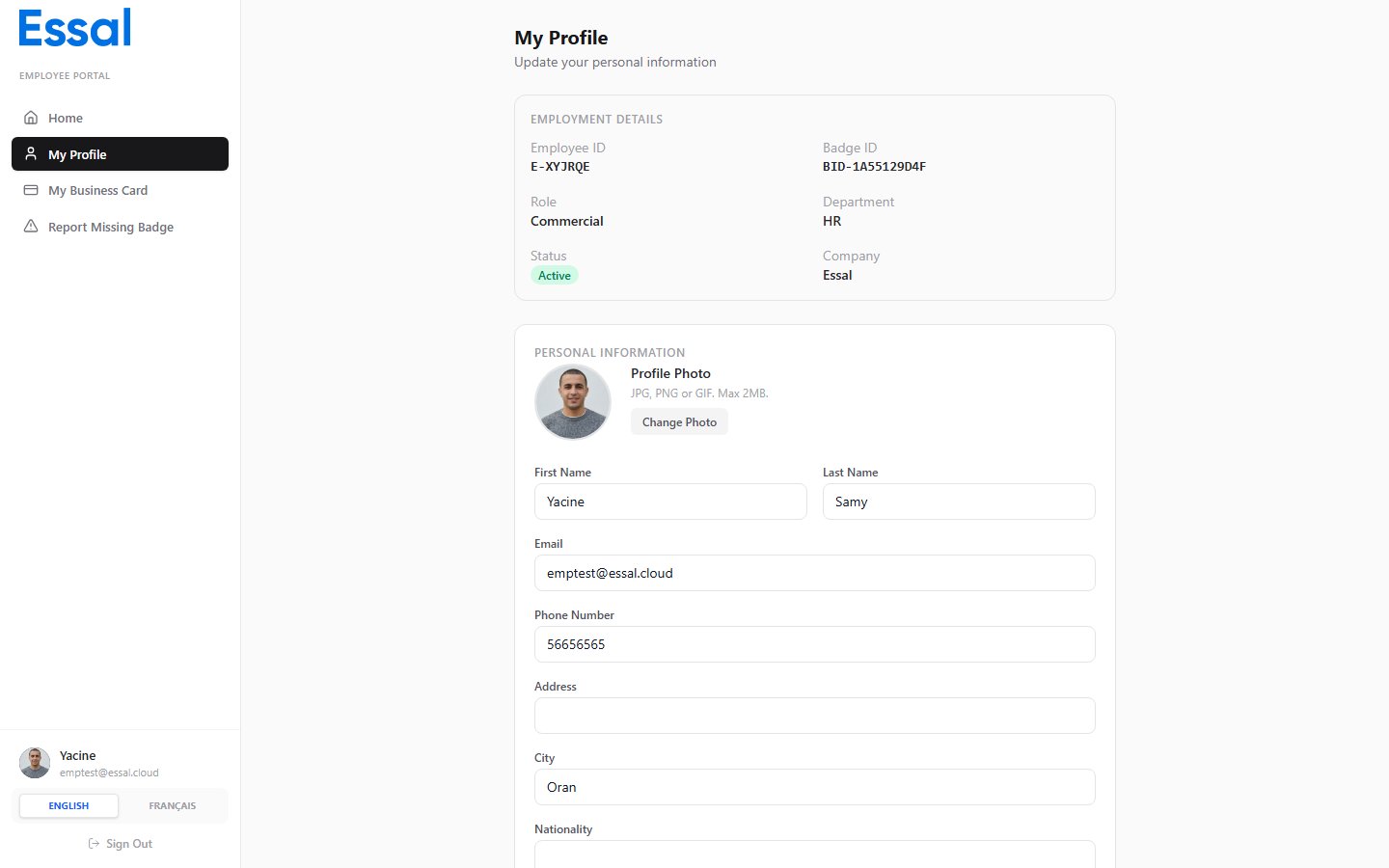
The Health & Safety section on your profile page lets you record important information that may be needed in an emergency or for workplace safety purposes. This data is stored securely and is accessible to authorised administrators.
Type an allergy and press Enter to add it as a tag. Each allergy appears as a red pill. To remove an allergy, click the × on its pill.Common examples: Peanuts, Penicillin, Latex.
Type a condition and press Enter to add it. Conditions appear as amber pills. Use this field to note any conditions that emergency responders or colleagues may need to be aware of.
Type a description of any relevant disability or accessibility requirement in the text area. This information can help your employer make appropriate workplace adjustments.
Once you have updated the Health & Safety fields, click Save Changes at the bottom of the profile page. Your changes are applied directly to your employee record regardless of whether your organisation uses direct-update or business-card-override mode.
Administrators with access to your employee record can view your health and safety details. Information in this section is not displayed on your public profile or digital business card.