
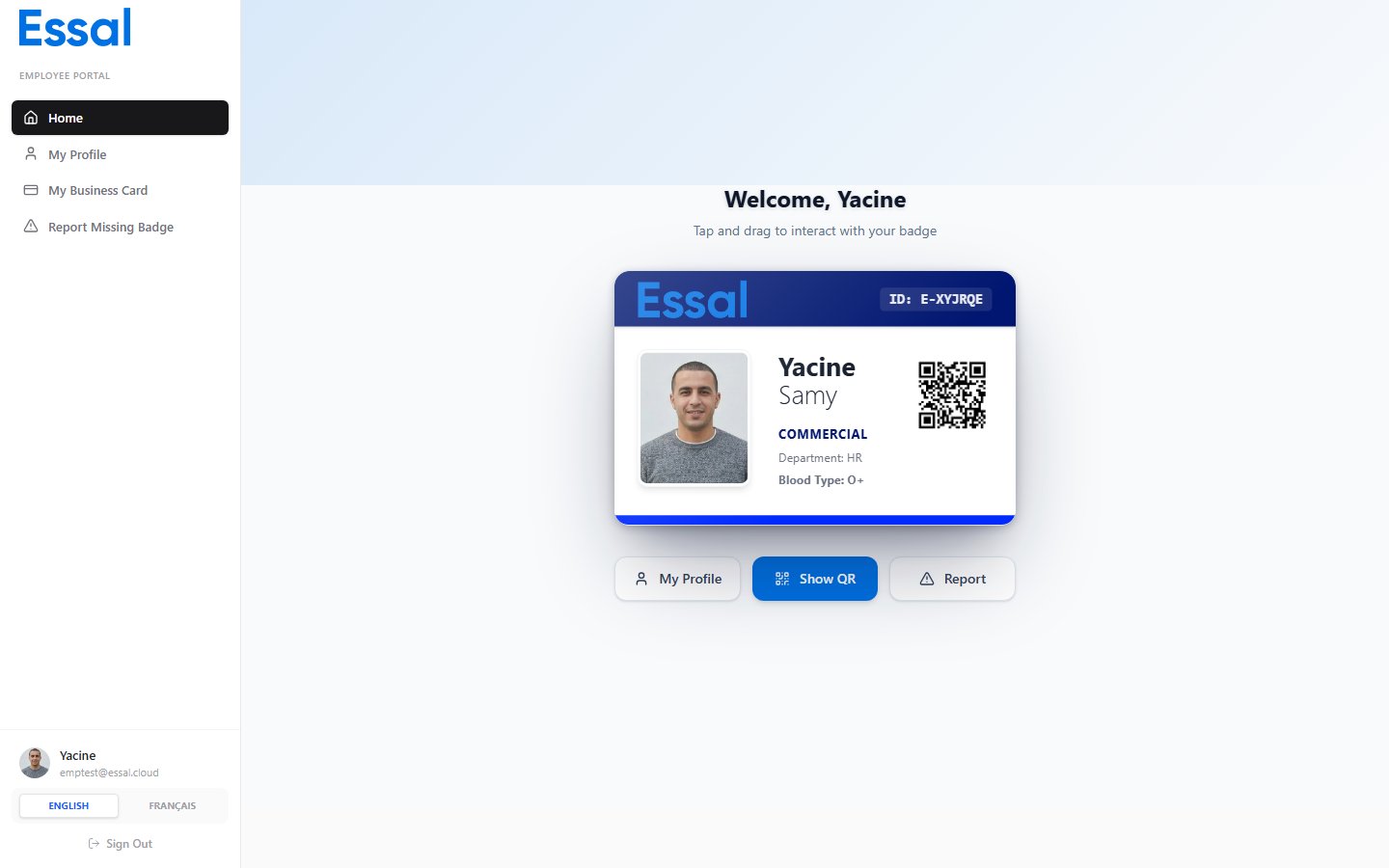
Your 3D Badge Preview
Your badge is shown as an interactive 3D card. You can tilt and rotate it by moving your mouse over it (or by tilting your device if you are on a mobile). Tap or click the badge to flip it and see the back. The badge reflects your current design and personal information as configured by your administrator.Showing Your QR Code
- Click Show QR Code on the home page.
- A full-screen QR code appears.
- Let someone scan it, or scan it with a check-in device, to verify your badge.
- Click Done to close.
Quick Actions
The home page also provides shortcuts:- My Profile — jump to your profile editing page
- Show QR Code — open the full-screen QR code
- Report Issue — go to the Report Missing Badge page